You’ve probably had this moment.
Storage full. Right when it mattered.
You raise your phone for the moment you actually care about — the stage lights, the fireworks, the last golden minute of a trip — and the storage alert shows up instead. Not dangerous. Just deeply, perfectly annoying.

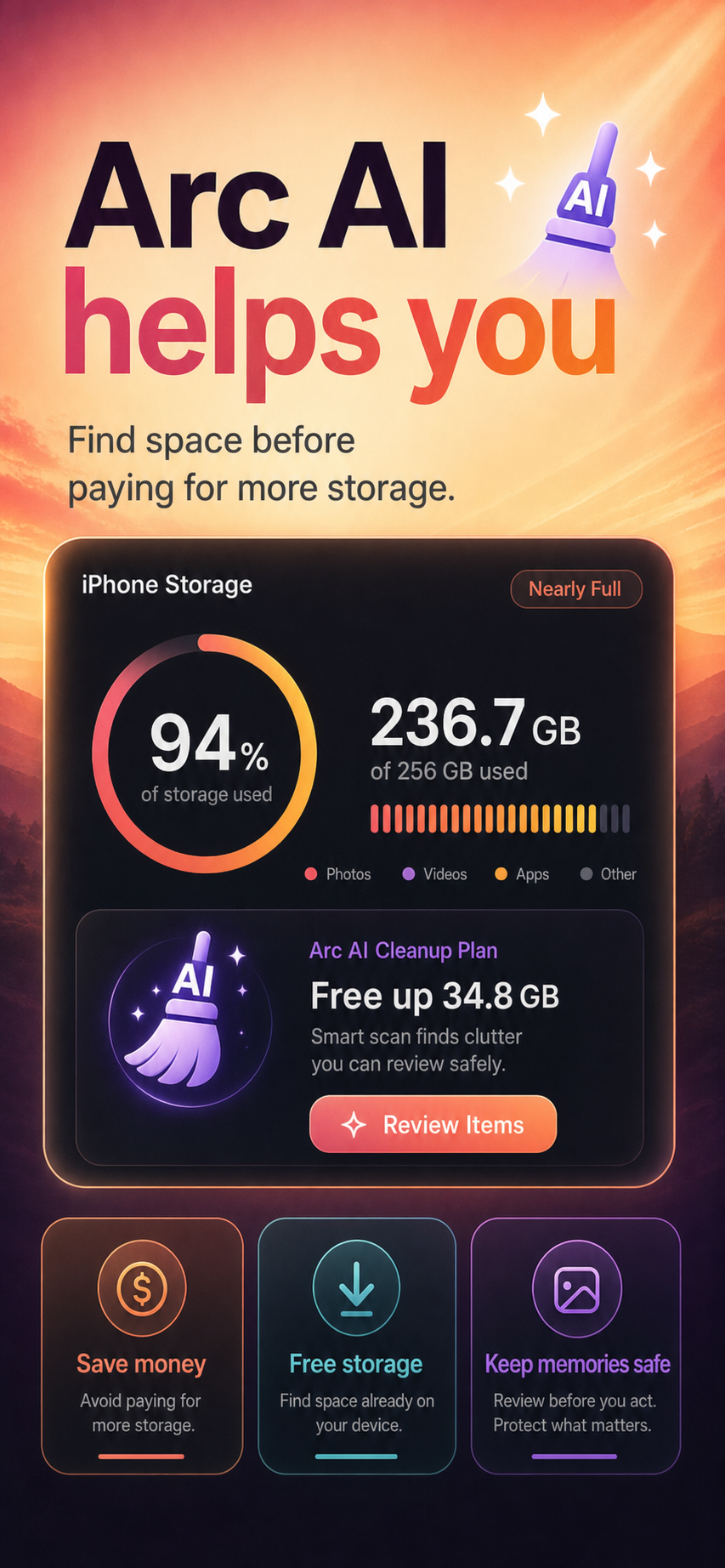
Arc gives you a calmer way out. On-device AI finds the space. You review the plan. Nothing goes without your yes.
Your phone isn’t full because your life is too big.
It’s the copies.
It’s the extra takes, the saved-again images, the receipts that did their job, and the screen recordings you only needed once. Buried underneath all of that are the photos you truly meant to keep.
Still, the finger hovers, and… nothing.
Deleting photos can feel weirdly high-stakes. So we rent more room instead.
Three dollars a month becomes ten. Year after year, forever — basically rent on a locker full of duplicates, because sorting it by hand sounds like a weekend you do not have.
It was never about courage. It’s that your phone hands you twenty-five thousand photos, no help, and exactly one scary button: Delete
So the library keeps growing. And so does that small, quiet guilt every time the alert comes back.
Here’s the helpful part.
Other cleaners count megabytes. Arc understands them.
It knows a meme from a mortgage.
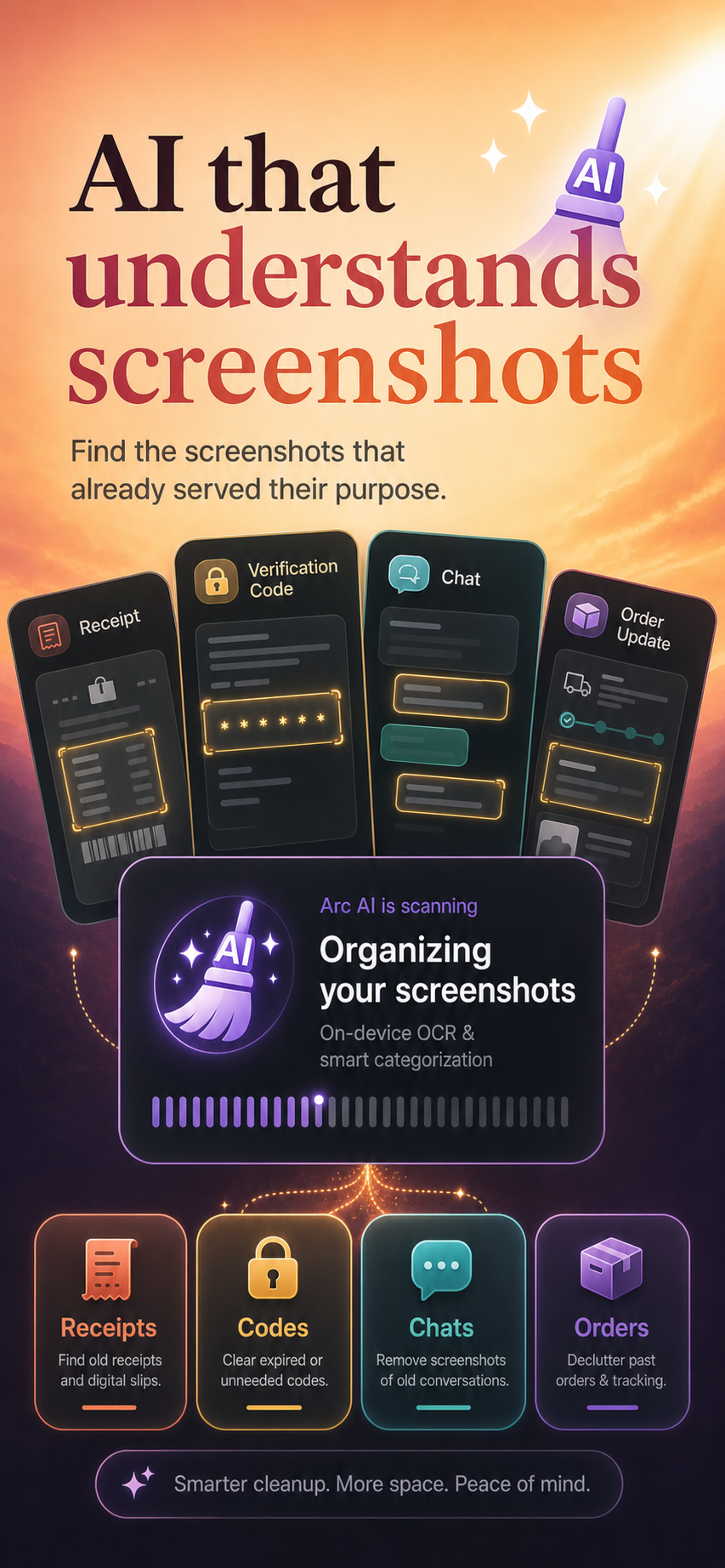
Arc’s AI reads every screenshot and image for what it actually is — memes, receipts, delivery updates, expired codes, old chats, boarding passes — then marks each one safe to suggest, review carefully, or protect. Passwords and bank statements never even get proposed.
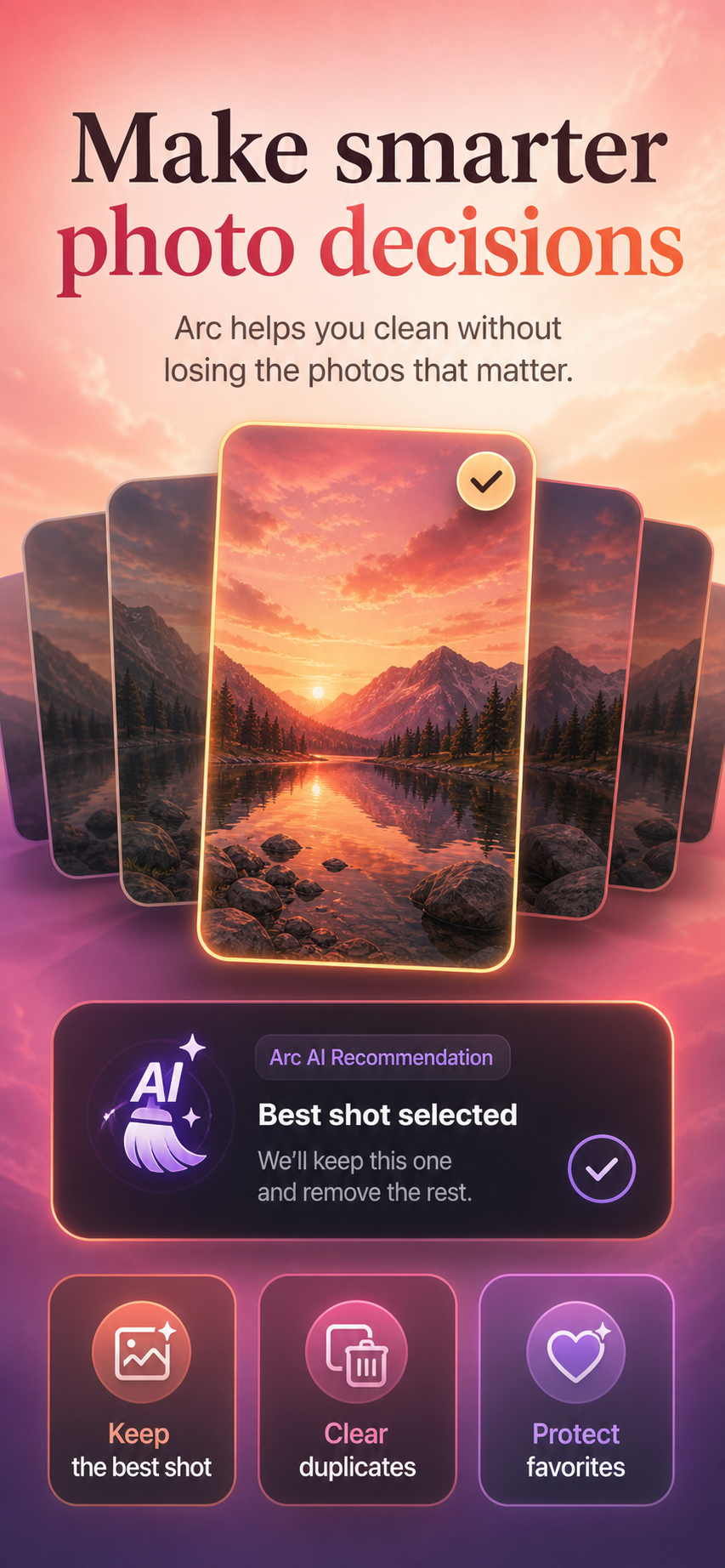
Nine sunsets. It hands you the one.
Sharpness, light, faces, framing — Arc scores every shot in a burst and holds up the keeper, so choosing takes a glance instead of an evening.
And the camera roll is only the beginning.
Keep scrolling — you will probably recognize a few of these.
-
You saved it twice, just to be safe. The phone kept both. Forever.
Exact duplicates — photos and videos — matched byte for byte on your device, with one tap to keep just one.
-
There’s a four-minute screen recording from last October. You’re never going to watch it.
Recordings and oversized videos are the quietest gigabytes on a phone. Arc lifts them into the light — biggest first.
-
Every photo has been quietly carrying three seconds of video. You never chose to keep them.
On iPhone, Live Photos can become stills; on both platforms, stray short clips are found on-device for review.
-
You kept the blurry one out of hope. It never got sharper.
Arc’s on-device sharpness analysis finds the shots that never came out, and retires them — only ever with your yes.
-
Some memories are simply heavy. Deleting them was never an option.
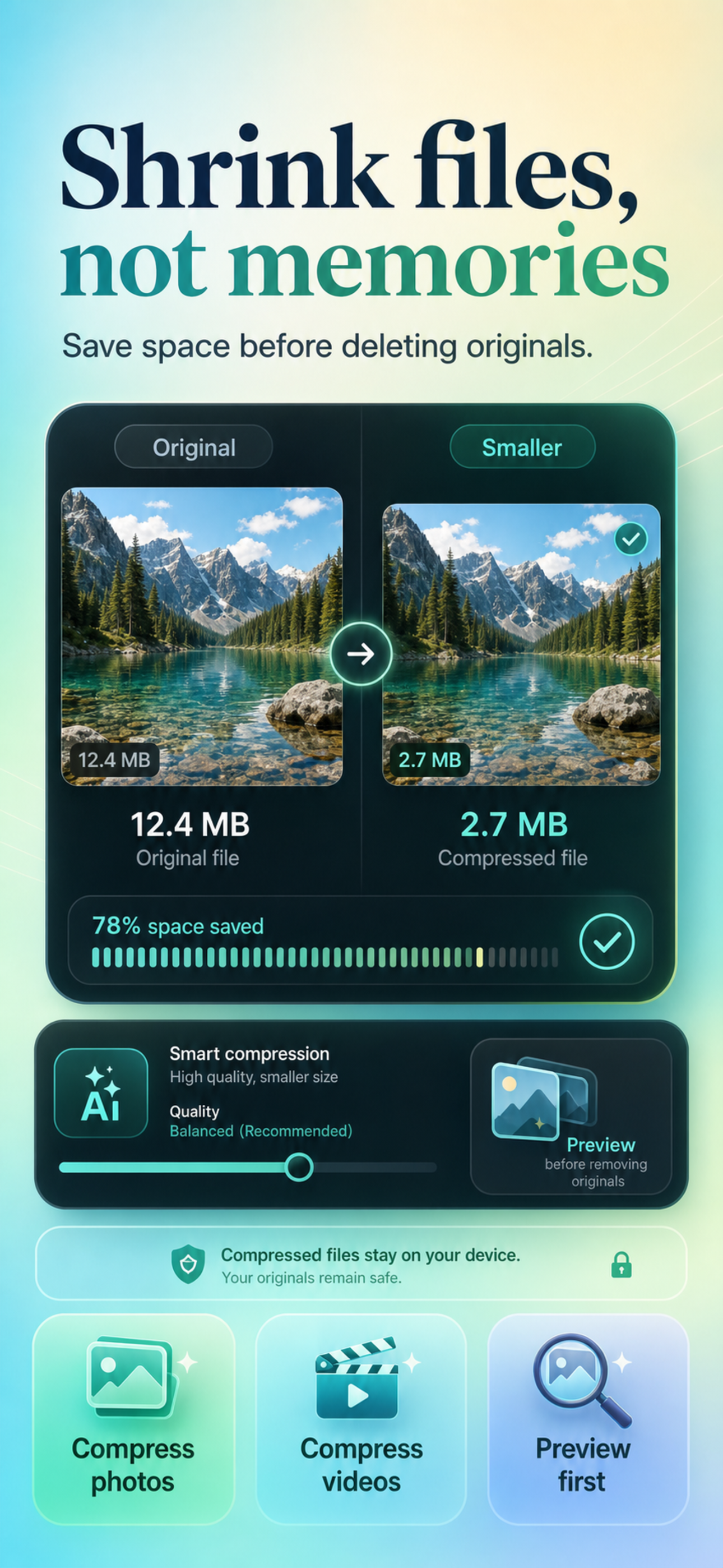
So don’t. Arc compresses the big photos and videos instead — preview the result first, and the original stays until you approve the swap.
-
Mom. MOM ❤️. Mom — work. Three contacts, one mother.
Arc matches people by name, phone and email, then merges them in a single tap.
-
Somewhere in Downloads sits a boarding pass from two summers ago. The trip was lovely. The PDF can go.
One-time files and long-dead calendar entries, surfaced for a quick goodbye.
-
You deleted it weeks ago. It’s still there.
Recently-deleted, app cache, apps you haven’t opened since winter — swept wherever the platform allows.
-
Twenty-five thousand items. Where would you even start?
Arc already knows. Biggest files first, easy wins next, careful reviews last — ten minutes, spent in the right order, returns gigabytes.
-
And three months from now, it just fills up again… Not this time.
A home-screen widget, a gentle nudge before things get tight, and a storage line that finally trends down.
-
And some things aren’t clutter at all. They’re just nobody’s business.
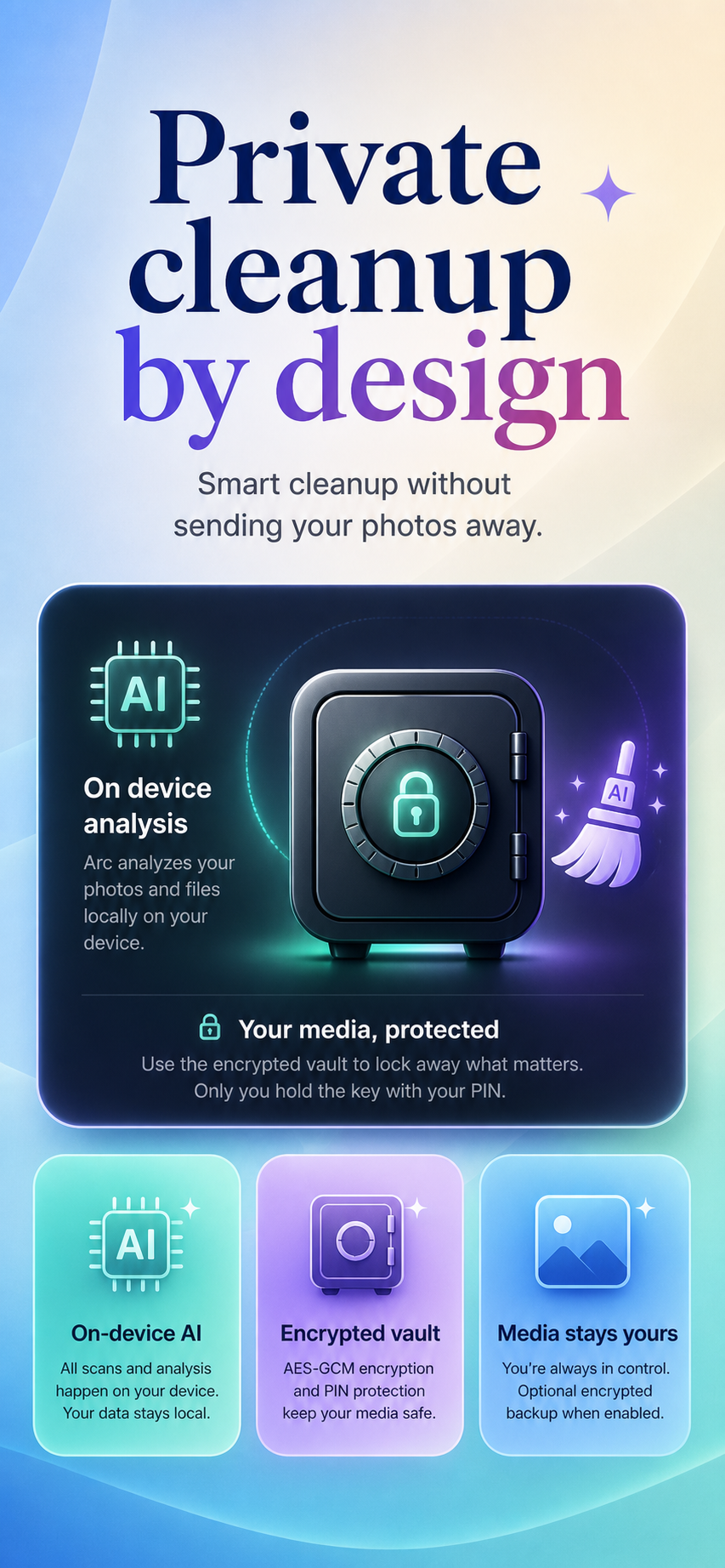
The vault locks them behind your PIN — AES-256 encryption, lockout after failed attempts, and an encrypted backup only you can open.
And all of it happens on your phone. No uploads, no “analyzed in our cloud” — no eyes on your camera roll but yours.
And it was all built around one promise.
Nothing leaves this phone without a yes from you.
-
1
Every removal waits for your explicit yes. No auto-clean, no surprises, no “oops”.
-
2
Your favorites are untouchable. Arc treats them as memories — never as suggestions.
-
3
Undo stands behind every decision, all the way to the end. Changing your mind is part of the design.
Feel it for yourself.
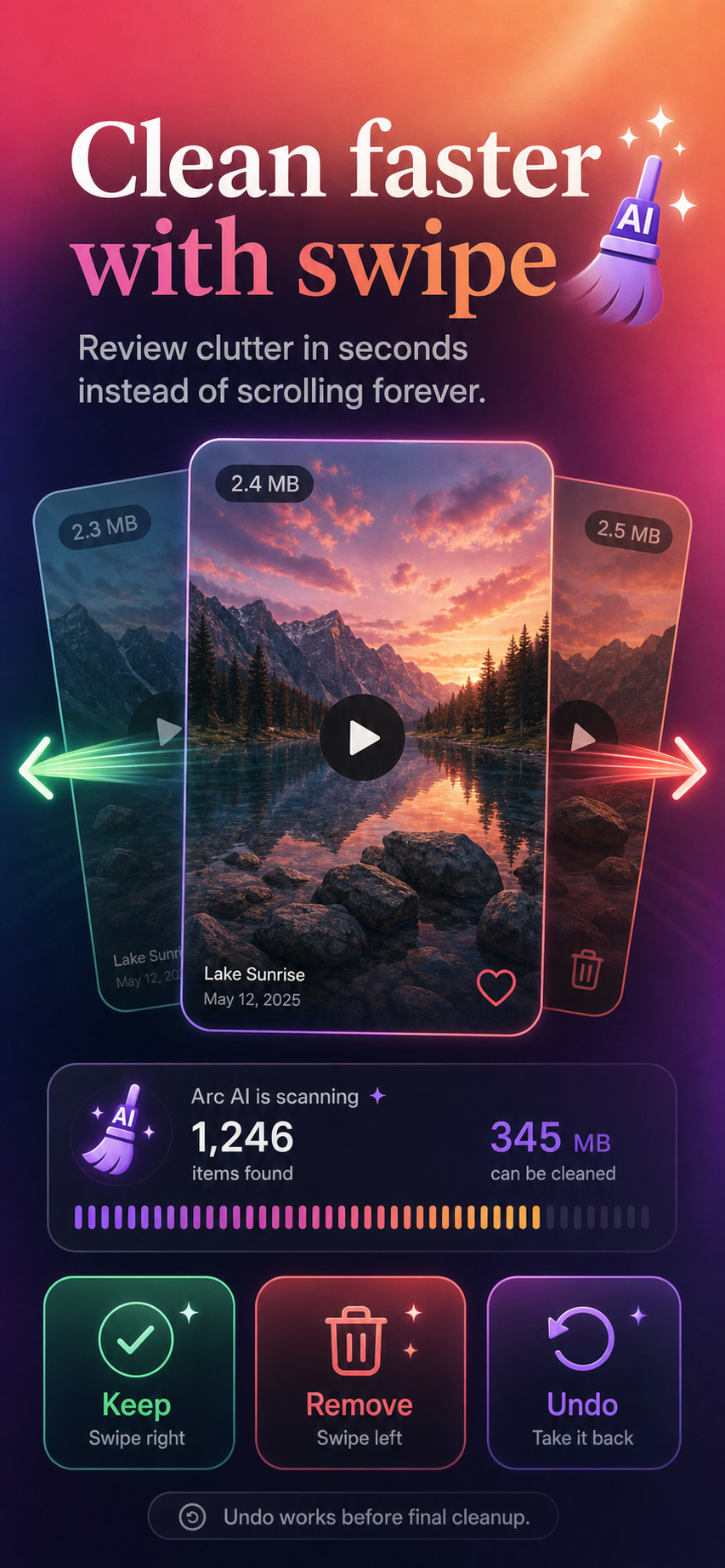
This is what reviewing clutter is like in Arc. Goodbye takes a swipe — and even goodbye has an undo.
You’d free 0 MB so far. Nothing is actually deleted. That’s the point.
ready for your final yes. In Arc, even this is still reversible.
Drag the card, or decide with the buttons.
And then, one evening soon—
The camera just takes the picture.
The lights go down. She walks on. You press the shutter, and the phone simply does its job — no alert, no bargaining with your own memories in the dark.
The scan is free, and Arc shows you what it found before asking for anything. Some phones find a few quick wins; some find whole gigabytes. Either way, you get to decide what happens next.
A look inside, straight from the store:
Does Arc ever delete on its own? Never. It groups and suggests; every removal waits for your explicit approval, and undo is there before final cleanup.
Do my photos leave my phone? No. Scanning, scoring and screenshot-reading all run on your device. A PIN-protected, AES-256-GCM encrypted vault guards what’s most private.
What can Arc actually find? Duplicate photos and videos, near-identical bursts with the keeper chosen, blurry shots, live photos and short clips, screenshots and images sorted by meaning — memes, receipts, codes, chats, deliveries, travel — plus screen recordings, oversized videos, old downloads, stale calendar entries, duplicate contacts, trash, app cache and unused apps, wherever the platform allows.
How is this different from the Photos app? Photos shows you everything and wishes you luck. Arc understands what each item is, scores the keepers, and hands you a plan — so ten minutes actually returns gigabytes.
What if I make a mistake? Undo works during review, nothing is final until you confirm, and items you do remove pass through your phone’s Recently Deleted grace period on the way out.
Can I save space without deleting anything? Yes — compress instead. Shrink huge photos and videos, preview the result, and keep every original until you say otherwise.
Is it free? The scan is free, and Arc shows you the full picture of what it found before asking for anything.
iPhone and Android? Both. A few categories differ where the platforms do — Android exposes app cache, iOS handles some cleanup through its own gates — but the promise is identical on each.
What about contacts and calendar? Duplicate people get grouped for a one-tap merge, stale events surface for review — handled with the same rule as photos: nothing changes without your yes.